Identifying the purpose or goal the website needs to meet.
2.
Scope definition
Determine the pages, features & deadline of the project
3.
Sitemap and wireframe
Planning how to interrelate the content and the features
4.
Content creation
Using essential tools to work on the visual brand.
5.
Visual elements
Using Essential tools to work on the visual brand.
6.
Testing
Analyze everything from user’s view to broken links
7.
Going Live
Planning launch timing and communication strategies.
8.
Maintenance
Opinion Monitoring and Regular Updating.
Step 1
Goal identification:
Identifying the purpose or goal the website needs to meet. What goals the new website needs to fulfill.
i.e., what its purpose is.
Step 2
Scope definition
Determine the pages, features & deadline of the project.
Once we know the site’s goals, we can define the scope of the project.
i.e., what web pages and features the site requires to fulfill the goal, and the timeline for building those out.
Step 3
Sitemap and wireframe creation
Planning how to interrelate the content and the features.
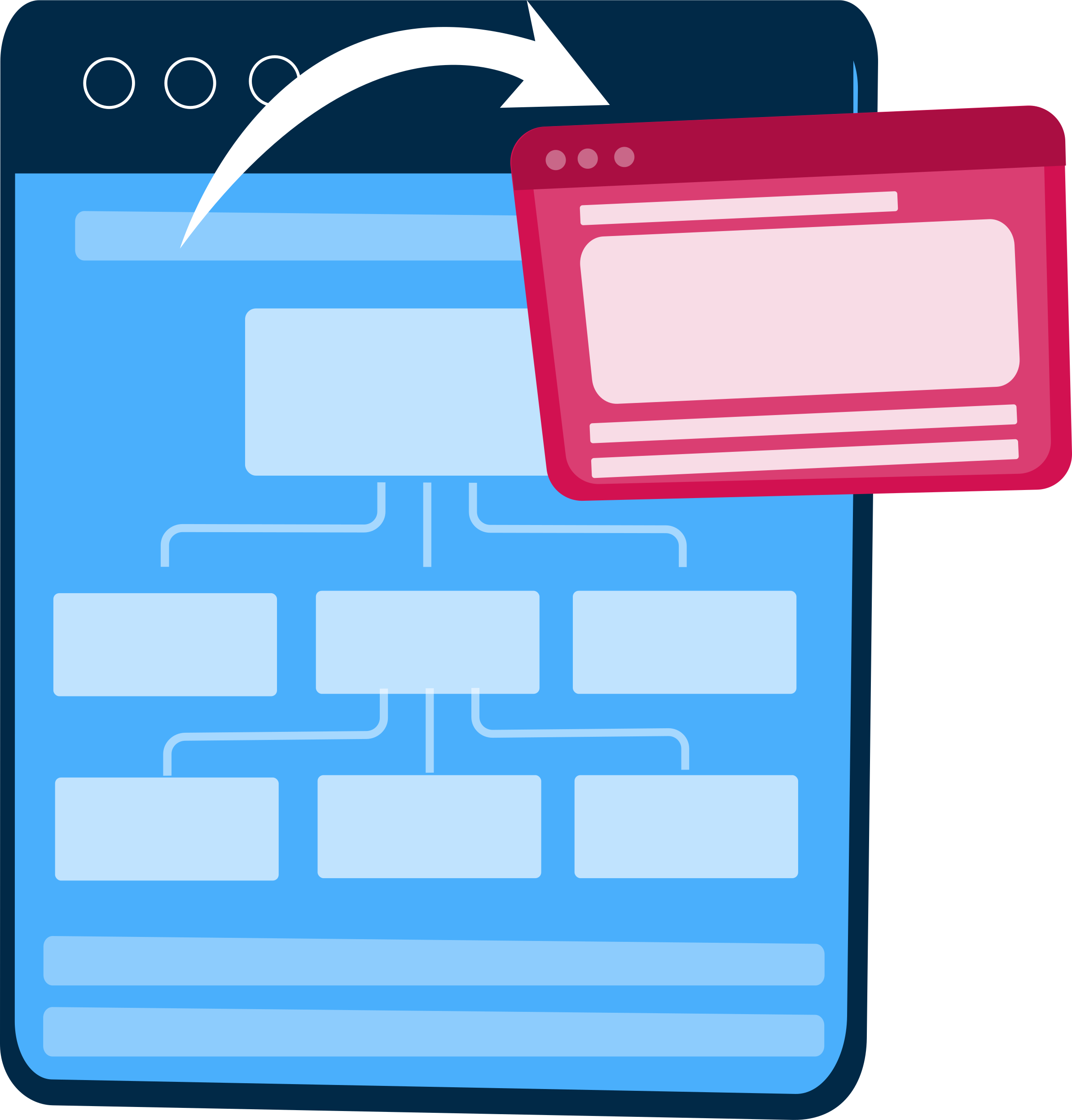
With the scope well-defined, we can start digging into the sitemap, defining how the content and features we defined in scope definition will interrelate.
Step 4
Content creation
Using essential tools to work on the visual brand.
Now that we have a bigger picture of the site in mind, we can start creating content for the individual pages, always keeping search engine optimization (SEO) in mind to help keep pages focused on a single topic. It’s vital that you have real content to work with for our next stage:
Text / Copywriting
Licensed Images download
Photography
Photo editing and optimization
Videos
GIFs
Step 5
Visual elements
Using Essential tools to work on the visual brand.
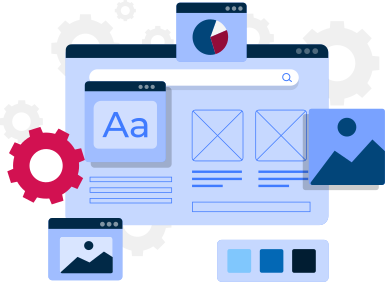
With the site architecture and some content in place, we can start working on the visual brand. Depending on you (the client), this may already be well-defined, but we might also be defining the visual style from the ground up. Tools like style tiles, mood boards, and element collages might be used in this process.
Step 6
Testing
Combining site’s manual browsing on multiple devices with site crawlers to analyze everything from user’s view to broken links.
By now, you’ve got all your pages and defined how they display to the site visitor, so it’s time to make sure it all works. Combine manual browsing of the site on a variety of devices with automated site crawlers to identify everything from user experience issues to simple broken links.
Step 7
Launch (Going Live)
Planning launch timing and communication strategies.
Once everything’s working beautifully, it’s time to plan and execute your site launch! This should include planning both launch timing and communication strategies.
i.e., when will you launch and how will you let the world know? After that, it’s time to break out the bubbly.
Step 8
Maintenance
Opinion Monitoring and Regular Updating.
What’s important to remember is that a website is more of a service than a product. It’s not enough to just “deliver” it to a user (client). It’s crucial to constantly make sure that everything works fine, keep your site up to date, detect possible problems the end-users face and fix the problem as fast as we can, keeping your site up to date by making regular updates to prevent you from bugs and decrease security risks. If you don’t, you may find one day that your users prefer to use another website rather than put up with the inconvenience.